
No matches. Try a model format, tool name or error.
适用于 Mac 和 Linux
The Hugging Bay 桌面应用
Choose a file. Download it. Check the SHA-256.
下载 Mac 版SHA-256: 4d1027bc9fc3d620f1180b4586ccb173c697ef4c7b9155580d27338cc798d518
Signed with our Apple Developer ID and notarized by Apple.
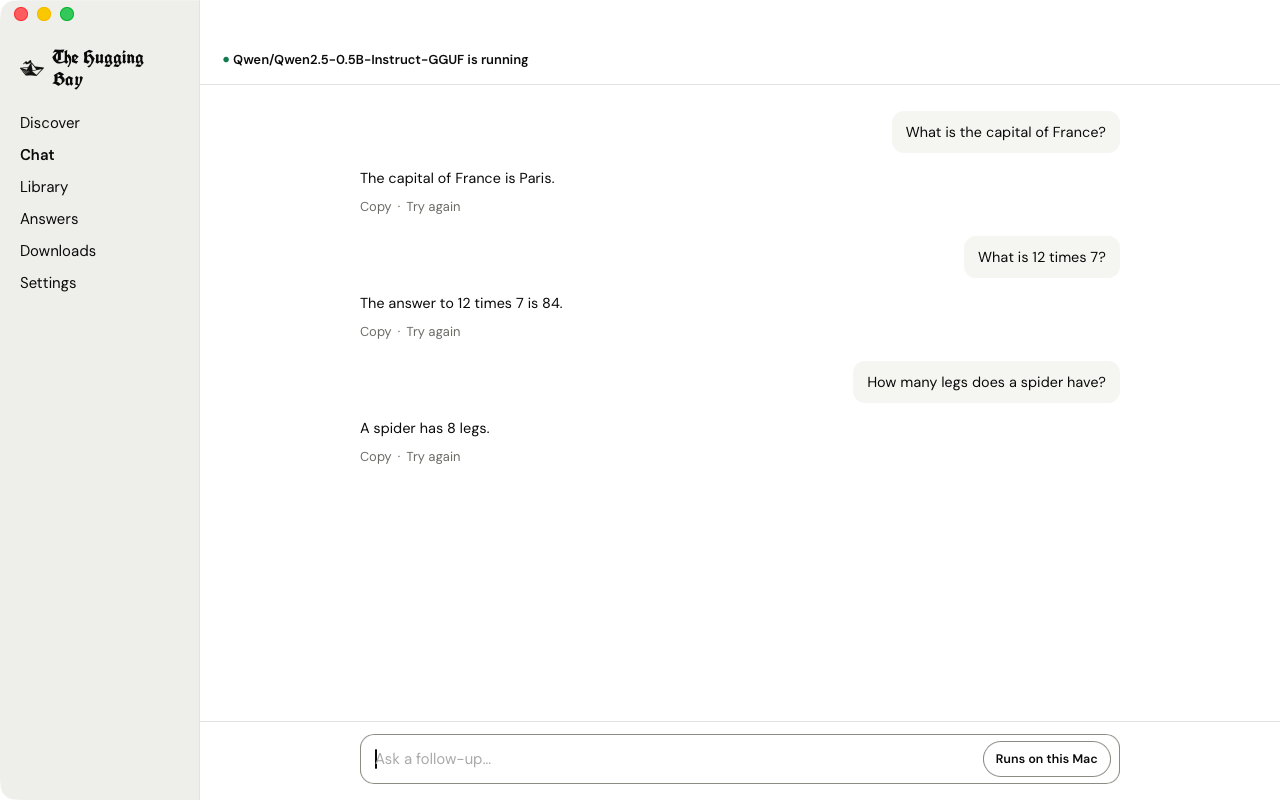
由你选择模型文件。
将 SHA-256 与目录记录进行比对。
根据文件大小和内存估算能否运行。
支持的平台
macOS 11.0 or later.
Mac (Apple silicon) and Linux (x86_64) available. Windows coming soon.
- Mac
- Apple silicon
- 可用
- Windows
- 即将推出
- Intel Macs
- 暂不支持
Linux (x86_64, Ubuntu 22.04+/Debian 12+)
The AppImage needs no admin password. The .deb installs with sudo.
Teach on Linux needs an NVIDIA GPU.
Verify the AppImage signature
Install minisign with your Linux package manager. In your download folder, fetch and decode the signature, then verify the file:
Continue only if minisign reports that the signature is verified.
Verify the .deb signature
Install minisign with your Linux package manager. In your download folder, fetch and decode the signature, then verify the file:
Continue only if minisign reports that the signature is verified.
Linux: the hbay command-line tool
For Mac: Apple silicon (M1 or later). Room for the models you download. The app checks your computer before any download starts.
Check the file you downloaded
For Linux, use the hash and commands beside your download above.
Mac
Its SHA-256 should match this exactly:
TheHuggingBay-0.1.4-arm64.dmg
What it sends
The app reaches the internet for five things: update checks, the model list, download checks, the downloads you start, and fingerprint lookups you ask for.
Update checks. When you ask, to our update server: “is there a newer version than the one you have?”
Model list. When you open Discover: “what’s in the model list right now?” When you search, your search words are sent with the request.
Download checks. Before a download starts and when a download can’t reach the server: “is this file ready?”
Downloads. When you tap Download and to finish one you started: the model files come down to your computer.
Fingerprint lookups. When you tap Look it up by fingerprint: this file’s SHA-256 fingerprint, to find it in the catalog.
What it doesn’t do
No account and no sign-in.
One download from our website. Nothing installs on its own.
Chats run on your computer and work offline after you download a model.